The First 15 Minutes of a Houston Power Outage When You Own a Home Battery

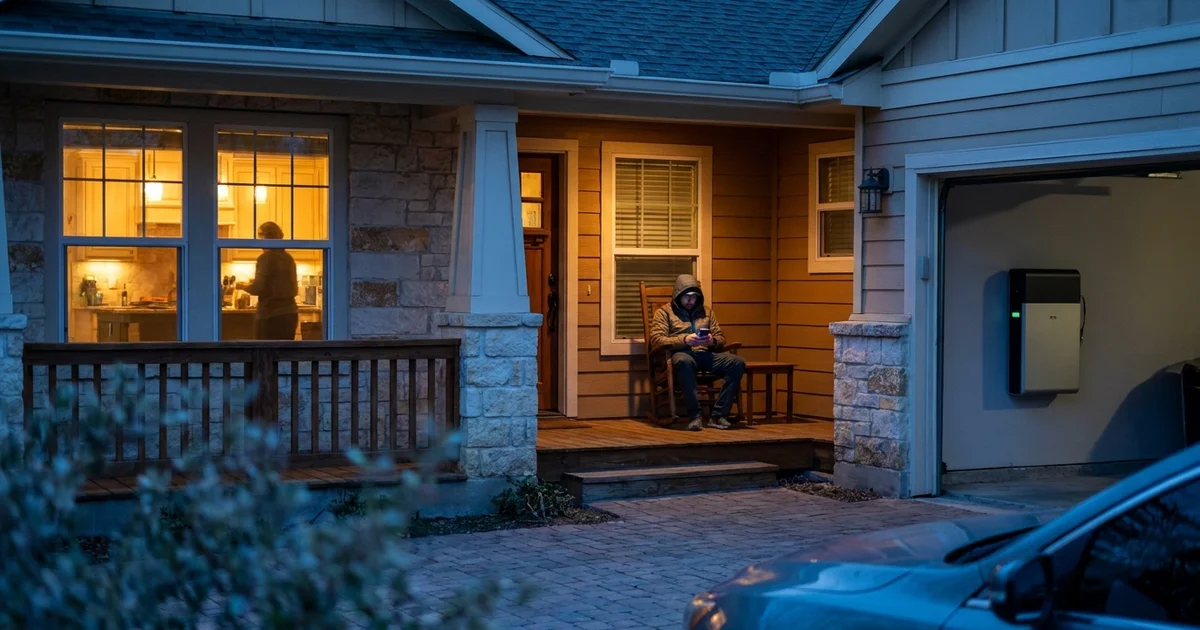
The power goes out and, if your battery is working, almost nothing happens. That is the point. It is also why the first 15 minutes matter: the house looks normal, so people skip the few checks that tell them whether it really is.
This post is the opening-minutes checklist for someone who already owns a system. It is not about what happens at hour 30, which we cover in what happens when the battery runs out. It is not about breaker troubleshooting either, which is in power went out in your house. It is about the quarter hour in between, when you decide how the next day will go.
One honest limit up front. I am not going to describe screens, colors or indicator lights on your equipment. I could not find a published source for the outage screens in the app, and they change between app versions. Where a step depends on what your app shows, I say so.
Key Takeaways
- Minutes 0 to 2: confirm the house is actually running on the battery, and that the outage is not just your breaker.
- Minutes 2 to 5: check state of charge and what is drawing power, then cut the loads you do not need.
- Minutes 5 to 10: report the outage and sign up for restoration alerts. Keep the fridge door shut.
- Minutes 10 to 15: decide your plan for the night. Never run a generator or open flame indoors.
Minutes 0 to 2: is the house really on the battery?
Start by looking around, not at your phone. Do the lights in the room stay on? Is the fridge still humming? If yes, the system took over.
Eos states that the system switches to battery power in under 20 milliseconds, fast enough that most devices do not register the interruption. That is our own published figure, so it is a claim from us, not an independent test. A brief blink on a sensitive device would not surprise me. A house that stays dark is the signal that something is wrong.
Now do one quick check on your own circuits. Walk to the room with your internet router and the one with the fridge. If both are alive, you are on backup.
Three outcomes are possible:
- Everything you expect is on. Good. Go to the next step.
- Some outlets or rooms are dead. That is normal if your system backs up selected circuits and not the whole house. Our circuit prioritization guide explains why. Learn in advance which circuits are covered, because this is the wrong moment to find out.
- Nothing is on. Check whether your neighbors are dark too. If their lights are on and yours are off, the problem is at your house, and the troubleshooting steps in our breaker guide come first. Then contact your installer.
Minutes 2 to 5: what does the app tell you?
Open the monitoring app. The Eos app sends a push notification when an outage is detected, so you may already have one waiting. That comes from our own FAQ and I cannot tell you how fast it arrives on your phone, so do not wait for it.
What you want from the app is simple, and it is the same short list we describe in the Wi-Fi and monitoring guide:
- State of charge. How full is the battery right now?
- Present load. How many watts is the house drawing?
- Grid status. Does the app show the grid as down?
I will not tell you the exact wording or screen for any of those. I checked the Sigenergy mySigen manual, the app that goes with the equipment Eos installs, and the copy I could read documents the backup reserve setting but not the outage screens. Your installer can show you where each reading sits in the version on your phone. If Wi-Fi at the house is down, the app may not update. Our monitoring guide covers that case.
Write down the state of charge and the time. Fifteen minutes from now, you will want to know how fast it is falling.
Minutes 5 to 8: what should you turn off first?
Now that you know the battery level and the load, cut what you do not need. This is the cheapest runtime you will ever buy.
Look at the load number. If it is high and you are not cooking or heating water, something big is running. The usual suspects are the air conditioner, an electric water heater, an electric dryer and an oven. Every Eos plan uses one controller rated for 11.5 kW continuous and 17.1 kW surge, and one battery module holds 9 kWh nominal, 8.76 kWh usable. The kW figure limits what can run together. The kWh figure sets how long it lasts. A big load hurts both.
A sensible order:
- Turn off anything that heats: water heater, dryer, oven, space heater.
- Raise the thermostat a few degrees if it is hot, or lower it if it is cold.
- Unplug electronics you are not using.
- Leave the fridge, router and lights alone.
Our appliance wattage chart lists typical draws. Read your own nameplates where you can. For the cooling side in summer, see keeping the house cool in a Houston outage.
I am not going to tell you how many hours a given plan lasts here, because it depends entirely on the load you just measured. If you want a number for your own house, the method is in our runtime math post.
Minutes 8 to 10: how do you report the outage and keep the food safe?
Your battery does not report the outage to the utility for you. Do that yourself.
CenterPoint says to call 713-207-2222 or start an online report, and it lists an Outage Tracker with live outage information and estimated restoration times (CenterPoint Energy). It also offers a free Power Alert Service that sends alerts about outages and restoration. Sign up for that now if you have not. You do not want to learn about it after the second outage.
If you see a downed line, CenterPoint's page says to stay at least 35 feet away and call 713-207-2222. A battery in your garage does nothing to make that line safe.
Then the kitchen. The CDC says a refrigerator keeps food safe for up to 4 hours without power, and a full freezer for 48 hours, a half-full one for 24 hours (CDC, Discarding Food After a Power Outage). Keep the doors closed. If your fridge circuit is on the battery, that clock may not start at all. If you are unsure whether it is covered, treat the 4 hours as real and check the fridge by touch and sound. Our guide on how long food lasts without power has the rest.
Minutes 10 to 15: what is your plan for the night?
Look at your notes. State of charge, load, time. Ask three questions.
How fast is the battery falling? Compare the number now to what you wrote down at minute 3. If it dropped faster than you expected, find out why. Something large may still be on.
Is there a reason to stretch it? A medical device, a baby, a long hot night, an elderly parent. If so, cut deeper now, while the battery is high.
Should you plan to run out? For a short outage, you will not. For a long one, you might. The reserve you set before the outage decides what the system holds back for this moment. In the Sigenergy manual, with a Gateway in the network, you set the Backup Reserve in the app. While the grid is connected the battery stops discharging at that value, and when the grid goes down the held energy can be used (Sigenergy, mySigen App User Manual). That is a decision for a calm day. See what backup reserve to set.
If a storm is the cause, the checklist is bigger. The hurricane storm mode guide covers it.
What should you never do in those first minutes?
A few mistakes show up in the first quarter hour.
Do not drag a generator inside or near the house. The Consumer Product Safety Commission says to operate portable generators outside only, at least 20 feet from the house, and not on a porch or in a carport. It also says interconnected CO alarms are best, to test CO and smoke alarms monthly, and that if one sounds you should get outside immediately and call 911 (CPSC, Winter Storm May Knock Out Power). If you own a battery you may not need a generator at all, but panic buys happen.
Do not light candles for the sake of it. CPSC advises flashlights or battery-operated candles, and never leaving a burning candle unattended (same release). Your lights may still work. Use them.
Do not plug a space heater into a power strip. The same release says to plug electric heaters directly into a wall outlet, never a power strip, and to keep all sides of the heater at least three feet from flammable items. On a battery, a heater is also the fastest way to burn through your runtime.
Do not open the fridge to check. Every look costs cold air.
Do not assume. Some outlets may be off the backed-up circuits, and some loads may be shed automatically. Learn the map before you need it. More on that in our outage safety guide.
Can you practice this before it matters?
Yes, and it is the single best use of a calm Saturday. Our monthly self-test checklist covers the app check and a simulated outage test. Run through the five steps above once with the grid on. Find where state of charge, load and grid status live in your app. Save the CenterPoint number in your phone. Enroll in Power Alert Service. Write the circuits your battery covers on a sticky note near the panel.
Fifteen minutes of practice makes the real fifteen minutes boring. That is what you want.
If you do not own a system yet, our Essential plan is the smallest option, and the plans overview shows how the sizes compare.
What to do next
Print the five steps, tape them near the electrical panel, and walk through them once this week. If anything on the list does not work the way this post describes, call your installer and ask them to show you.
Or call Eos at 833-989-3737 to talk through your setup with an installer.
Frequently asked questions
How fast does a home battery take over when the power goes out?
Eos publishes under 20 milliseconds for the switch to battery. That is our own figure, and it is fast enough that most devices do not register the interruption. A brief blink on some sensitive electronics is possible.
Should I call the utility if my battery is working?
Yes. The battery keeps your house running but does not report the outage for you. CenterPoint asks you to call 713-207-2222 or report online (CenterPoint Energy).
How do I know my battery is powering the house?
The most reliable test is physical: lights and fridge stay on while the street is dark. The app should confirm with state of charge, load and grid status. I cannot describe the exact screens in your version, so ask your installer to show you.
How long will my food stay safe?
The CDC says a refrigerator keeps food safe for up to 4 hours without power and a full freezer for 48 hours (CDC). Keep doors closed. If the fridge is on a backed-up circuit, the clock may never start.
Do I need a generator as well?
Most owners do not. If you do run one, keep it outside and at least 20 feet from the house, per CPSC, and never in a garage or carport.