Home Battery Wi-Fi and Remote Monitoring Setup: A Houston Owner's Guide

Home Battery Wi-Fi and Remote Monitoring Setup: A Houston Owner's Guide
A healthy home battery is close to useless on outage day if you cannot see its status and it has quietly missed months of firmware updates. That gap is the most common thing our crew finds on Houston service calls. The battery is fine. The owner installed it, glanced at the app once, and never confirmed the gateway stayed online.
This guide walks the setup the way we run it in Harris and Fort Bend homes: get the gateway on Wi-Fi, learn the four screens that matter, keep monitoring alive when a storm takes your internet, and stay current on firmware. It takes about 15 minutes, and it changes what you can do the next time CenterPoint goes dark.
Key Takeaways
- Most home battery gateways need the 2.4 GHz Wi-Fi band for setup, because it reaches farther through garage walls than 5 GHz (Wi-Fi Alliance, 2024).
- The app shows four core readouts: state of charge, real-time load, grid status, and an event log.
- Your battery keeps running with or without Wi-Fi. You lose monitoring and updates, not backup power.
- A cellular fallback keeps status reporting when storm-time broadband fails, the way it did for 2.2 million CenterPoint customers during Hurricane Beryl (CenterPoint Energy, 2024).
- Granting your installer remote diagnostics lets faults get caught before the next outage, often without a truck roll.
[INTERNAL-LINK: check if your home qualifies for a 9 to 45 kWh system → /home-backup-planner?source=blog&slug=home-battery-wifi-remote-monitoring-setup]
How do you connect a home battery gateway to Wi-Fi?
Connecting the gateway is a fixed four-step sequence: power the gateway, join it to your 2.4 GHz network, pair it in the manufacturer app, then confirm it reports state of charge and load. Most home battery and IoT gateways require the 2.4 GHz band for setup because it penetrates walls and reaches farther than 5 GHz (Wi-Fi Alliance, 2024). In a garage, that range matters.
Start by finding the communication module. On most systems it is a small gateway near the battery or inside the gateway enclosure, not the battery itself. Check the signal there before anything else. Garages sit at the far edge of the house, and CMU or brick walls eat Wi-Fi. If your router is on the opposite side of the home, the gateway may see one or two bars. Where the manufacturer offers it, a wired Ethernet run to the gateway is the most reliable option and skips the band problem entirely.
Here is the snag we hit most often in Houston homes. Modern mesh routers broadcast one network name and auto-steer every device to 5 GHz, but the gateway can only join 2.4 GHz. The pairing just times out, and the owner assumes the gateway is broken. The fix is simple once you know it. Either split the SSID so 2.4 GHz has its own name, or temporarily band-lock your phone to 2.4 GHz during pairing, then revert it. We do this on a large share of mesh-router installs, and it turns a failed setup into a two-minute one.
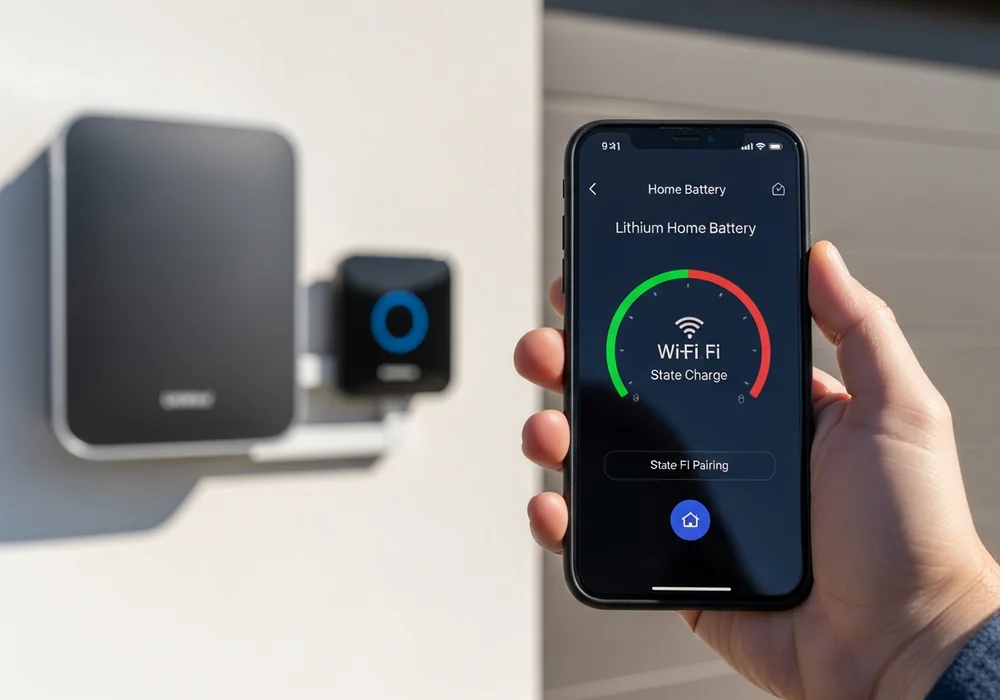
Once paired, do not walk away yet. Confirm the app shows a live state of charge and a load reading that changes when you turn on a big appliance. That single check is what separates a connected battery from one that looks connected.
[INTERNAL-LINK: compare the 9 to 45 kWh battery plans → /plans]
What does the manufacturer app actually show you?
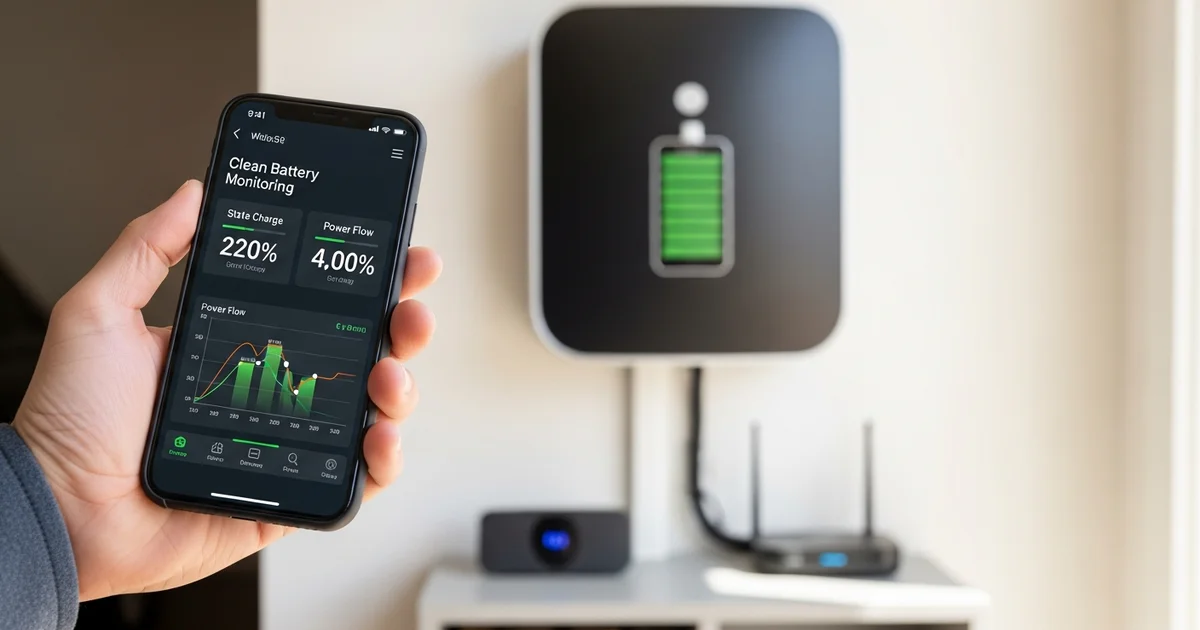
The app surfaces four core readouts: state of charge, real-time load in watts in and out, grid status, and an alert or event log. Learn those four and you can read your system in seconds. Everything else in the app is detail layered on top of them.
State of charge is the percentage of usable energy left, like a fuel gauge. Do not confuse it with state of health, which tracks long-term capacity as the cells age over years. Real-time load shows watts flowing in (charging from grid or solar) and out (powering your home), usually in a power-flow diagram with animated arrows. Grid status tells you whether you are drawing from CenterPoint or running on the battery. The event log timestamps every charge, discharge, alert, and grid event.
While you are in the app, set your backup reserve. This is the floor the system holds back for outages, so daily cycling never drains the battery to empty. Turn on push notifications too, so a fault or a grid event reaches your phone instead of sitting silent in a log.
What should you watch on the app during an outage?
During an outage, track three things: the state of charge trend, your current load, and the estimated runtime the app derives from both. Those numbers tell you how long you can ride out the event and whether you are spending energy faster than you should. Houston outages are not short. Hurricane Beryl left 2.2 million CenterPoint customers without power in July 2024, with some homes dark for over a week (CenterPoint Energy, 2024).
Watch for a sudden load spike. When the AC compressor or a well pump kicks on, the power-flow screen jumps, and runtime drops. If your system supports circuit-level control, that is your cue to shed non-essential loads and stretch the battery. The app will also show an islanded or off-grid status, confirming you are running independent of CenterPoint. Seeing that flip is reassuring at 2 AM when the street is dark.
The useful reframe: the app is not a gadget during an outage, it is your fuel gauge and range estimate in a moving vehicle. Drivers do not ignore the gas needle on a long trip, and you should not ignore state of charge during a multi-day Houston event. For the full picture on how long a system lasts in our outages, see the complete Houston home battery backup guide.
How do firmware updates work, and why do they matter?
Firmware updates ride over the same Wi-Fi link you set up earlier, and they keep performance, safety logic, and warranty conditions current. Most systems push updates automatically when the gateway is online. A battery that has been offline for months simply falls behind, sometimes on safety-critical patches.
Why does staying online matter beyond convenience? Many lithium battery warranties expect the system to operate within defined conditions and on supported firmware. Tesla and Enphase both document that operating and software conditions are part of warranty coverage (Tesla, 2026). Houston adds physical stress on top of that. The garage where most gateways live runs hot, and Houston logs roughly 95 days a year above 95F (National Weather Service, 2025), which is one more reason a connected, monitored system is worth keeping current.
Check your firmware version in the app every few months. If an update is in progress, do not cut power to the gateway or battery until it finishes. A simple way to never think about this again: fold the app and firmware check into your seasonal routine, and add app checks to your annual maintenance routine.
What happens to monitoring when Wi-Fi drops in a storm?
When a storm takes down your home internet, the battery keeps running. You only lose visibility. Many gateways support a cellular fallback, a built-in or add-on LTE module that keeps status reporting when broadband fails. That matters in Houston, where the same storm that causes the outage often knocks out the cable or fiber line feeding your router.
Understand the layers. The battery runs with or without any connectivity. Wi-Fi gives you remote monitoring and updates. Cellular fallback preserves that monitoring when Wi-Fi dies. As a last resort, most systems keep a local Bluetooth or on-device readout you can reach by standing next to the unit, even with no network at all.
[INTERNAL-LINK: book a free Houston home assessment → /home-backup-planner?source=blog&slug=home-battery-wifi-remote-monitoring-setup]
Should you let your installer monitor the battery remotely?
Granting your installer remote diagnostics lets the service team catch faults before outage day, often without sending a truck. With your consent, the installer sees the same telemetry the app shows you: state of charge, fault codes, firmware version, and the event log. They do not see your security cameras, your browsing, or anything outside the battery system.
In our service logs from the Beryl aftermath, a recurring pattern stood out. A meaningful share of "battery not working" calls turned out to be healthy systems where the gateway had silently dropped Wi-Fi months earlier, with no cellular fallback in place, so the owner could not see status and we could not see it remotely either. When remote diagnostics are enabled, we catch a dropped connection or a stalled firmware update while the sun is still shining, not at hour 30 of an outage.
You stay in control. Consent is opt-in, and you can revoke remote access at any time. We treat it as part of keeping a system storm-ready, the same way we treat the what-happens-on-installation-day walkthrough as part of getting it right from the start. For us, monitoring is how a battery earns its keep between outages.
Frequently Asked Questions
Does my home battery still work without Wi-Fi?
Yes. The battery operates independently of any network and will power your home during an outage whether or not Wi-Fi is connected. What you lose without Wi-Fi is remote monitoring and firmware updates, not backup power. A built-in cellular fallback or local on-device display lets you still read status when the network is down.
Why won't my battery gateway connect to Wi-Fi?
The most common cause in Houston homes is band mismatch. The gateway needs 2.4 GHz, but mesh routers auto-steer devices to 5 GHz, so pairing times out (Wi-Fi Alliance, 2024). Split the SSID or band-lock your phone to 2.4 GHz during pairing. Weak signal in a far garage is the second cause.
Can I monitor my battery during an outage if the internet is down?
Only if the gateway has a cellular fallback or you use the local Bluetooth or on-device readout. The battery itself keeps running and protecting your home regardless. During Beryl, 2.2 million customers lost power and many lost broadband too (CenterPoint Energy, 2024), which is exactly when a cellular fallback proves its worth.
How often does battery firmware update?
It varies by manufacturer, but many systems push updates automatically over Wi-Fi several times a year. That is the core reason to keep the gateway connected. Tesla and Enphase document that supported firmware and operating conditions are tied to warranty coverage (Tesla, 2026), so an offline battery can fall behind on more than features.
Is remote installer monitoring safe and private?
Yes, and you stay in control. Remote diagnostics are opt-in, limited to battery telemetry like state of charge, fault codes, and firmware version, and revocable at any time. The installer cannot see anything outside the battery system. It exists to catch faults early, often preventing a service visit and a failure on outage day.
The 15-Minute Setup That Pays Off at Hour 30
Getting your home battery connected and monitored is short work with a long payoff. Put the gateway on 2.4 GHz, learn the four app readouts, set a backup reserve, keep a fallback for storm-time Wi-Fi loss, stay current on firmware, and allow remote diagnostics. Do those once, and the next time CenterPoint goes dark you will know exactly what your system is doing and how long it will last.
If you would rather have a Houston crew handle the setup and the monitoring from day one, call us and we will walk your home and your network before we ever quote a system.
[INTERNAL-LINK: get a Houston battery backup quote in under 2 minutes → /home-backup-planner?source=blog&slug=home-battery-wifi-remote-monitoring-setup]
Sources
- Wi-Fi Alliance, 2.4 GHz and 5 GHz band guidance, retrieved 2026-06-16, https://www.wi-fi.org/
- CenterPoint Energy, Hurricane Beryl restoration reporting, retrieved 2026-06-16, https://www.centerpointenergy.com/
- National Weather Service, Houston/Galveston climate normals, retrieved 2026-06-16, https://www.weather.gov/hgx/
- Tesla, Powerwall warranty documentation, retrieved 2026-06-16, https://www.tesla.com/