Smart Panel Circuit Prioritization: What Your Battery Backs Up

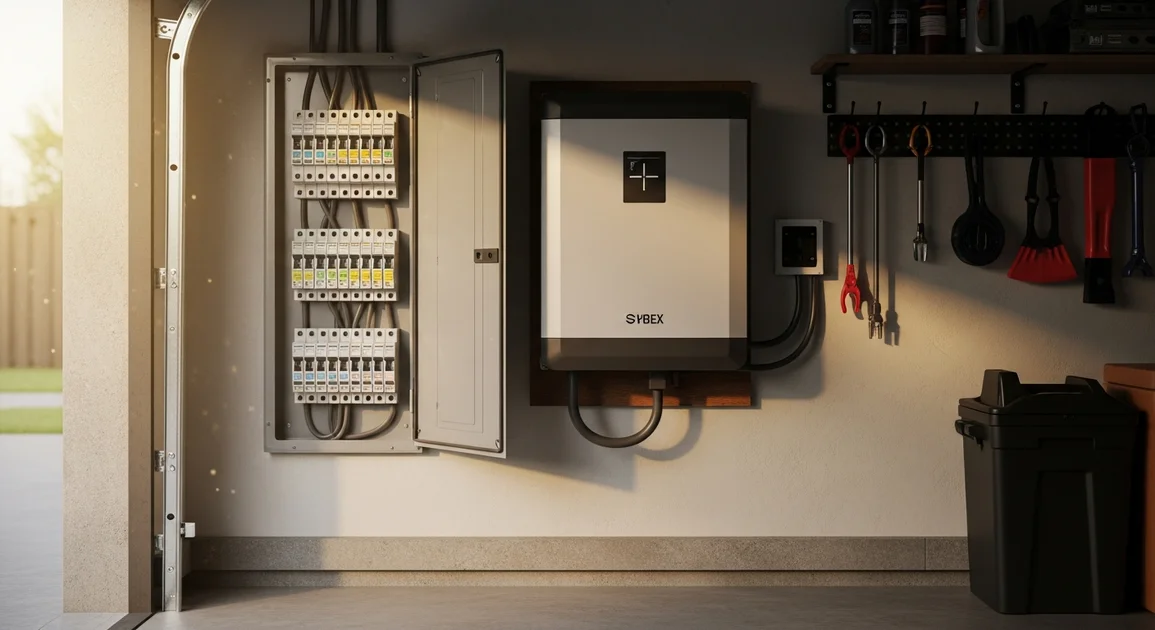
Smart Panel Circuit Prioritization: What Your Battery Backs Up
In a multi-day Houston outage, the gap between 8 hours and two days of backup usually isn't battery size. It's which circuits you chose to protect, and whether the system drops low-priority loads on its own. Most homeowners assume "battery backup" means everything stays on. It doesn't. You decide what gets protected, and a sloppy load plan wastes capacity you paid for. This guide gives you a clear framework: tier your loads, choose between a smart panel and a critical-loads subpanel, set up automatic load shedding, and map circuits during the site survey.
Key Takeaways
- Circuit prioritization tells your battery which loads to power and in what order during an outage, not just how much energy it stores.
- Texas homes average roughly 36 kWh of electricity per day (EIA, 2025), so tiering loads matters more than chasing whole-home backup.
- A smart panel controls every circuit individually and sheds low-priority loads automatically; a critical-loads subpanel backs up a fixed handful.
- Most Houston homes start with the fridge, one AC zone, internet, and key outlets.
[INTERNAL-LINK: check if your home qualifies for a 9 to 45 kWh system -> /home-backup-planner?source=blog&slug=smart-panel-circuit-prioritization-guide]
What Is Smart Panel Circuit Prioritization?
Circuit prioritization is the configuration that tells your battery system which circuits to power, and in what order, when the grid goes down. It's a ranking, not just an on or off switch. The battery is the fuel tank. The panel or gateway is the brain that decides where that fuel goes first when supply gets tight.
Priority can be static or dynamic. A static setup fixes the protected circuits at install and never changes them. A dynamic setup, run by a smart panel, watches each circuit in real time and reorders what stays powered as demand shifts. That difference is the whole point of this article. Get it right and a modest battery feels generous. Get it wrong and a big battery still browns out.
Most homeowners think the question is "how many kWh do I need?" The better first question is "what am I actually protecting, and in what order?" Sizing follows that decision, not the other way around. For the wiring side of this, see how the battery ties into your panel.
According to typical residential energy data, Texas homes use about 36 kWh of electricity per day (EIA, 2025). No reasonably sized home battery powers a full 36 kWh day of unmanaged demand through a long outage, which is exactly why prioritization, not raw capacity alone, decides real-world runtime.
Smart Panel vs Critical-Loads Subpanel
A critical-loads subpanel backs up a fixed group of pre-selected circuits. A smart panel monitors and controls every circuit individually and can reprioritize on the fly. Both work. They just trade flexibility for simplicity in opposite directions.
With a subpanel, your electrician moves a chosen set of circuits, the fridge, a few lights, maybe one AC zone, onto a separate panel fed by the battery during an outage. It's simple, proven, and lower cost. The catch: that set is locked. Changing what's protected later means rewiring.
A smart panel skips the separate subpanel and meters each breaker. It can power any circuit, see exactly what each one draws, and drop or restore circuits automatically based on real-time demand. You pay more upfront and the install is more involved, but you gain granular control and dynamic load shedding.
Here's the part marketing pages skip: a smart panel makes partial backup behave like whole-home most of the time. Because it sheds and restores loads intelligently, you rarely notice that everything isn't running at once. That's the unique advantage of dynamic prioritization over a fixed subpanel.
How to Tier Your Loads, Life-Safety to Convenience
Sort every circuit into four tiers, ranked by how badly you need it during an outage: life-safety and medical first, then food and refrigerated medication, then comfort, then convenience. This ranking is the spine of your whole backup plan. Everything else, panel choice, battery size, shedding rules, flows from it.
Tier 1 is life-safety and medical: a CPAP machine, an oxygen concentrator, medical monitors, sump and well pumps where flooding is a risk. In Houston, refrigerated insulin and similar meds straddle tiers 1 and 2. These circuits never get shed. Tier 2 is food and refrigeration: the kitchen fridge and a freezer, so a multi-day outage doesn't spoil hundreds of dollars of groceries.
Tier 3 is comfort. In Houston heat, that means one AC zone, plus heating in a winter event like February 2021. You rarely back up every zone; one is usually enough to keep a core part of the house livable. Tier 4 is convenience: spare outlets, the dryer, EV charging, the pool pump. These run when there's surplus and drop first when there isn't.
Once tiers are set, sizing gets straightforward: add up tier 1 through 3 demand and the runtime you want, and the kWh target falls out. See how to size the battery for those loads for the math.
[INTERNAL-LINK: see your monthly payment for whole-home backup -> /home-backup-planner?source=blog&slug=smart-panel-circuit-prioritization-guide]
How Automatic Load Shedding Extends Runtime
Automatic load shedding drops the lowest-priority circuits the instant demand threatens to outpace the battery, which can meaningfully extend usable runtime versus a fixed all-on setup. The smart panel watches real-time draw and trims tier 4 first, then tier 3 if needed, then restores them when surplus returns. No app, no switches, no waking up at 3 a.m. to flip breakers.
Why does this matter so much in Houston? Air conditioning. Central AC dominates summer load, and a compressor's startup surge can briefly hit three to seven times its running wattage. A fixed configuration with the AC, dryer, and EV charger all set to run can trip into a brownout the moment those surges stack. Shedding prevents that by keeping the AC's headroom protected and dropping the dryer.
Think of it like a smart breaker that protects runtime instead of wiring. When the fridge cycles on and the AC compressor kicks in at the same time, the panel sheds the pool pump for 90 seconds so the surge clears, then quietly brings it back. The homeowner never notices. The battery lasts hours longer.
This is the contrarian point worth sitting with: a well-tiered partial backup with smart shedding often delivers longer real-world runtime than an undersized whole-home attempt that browns out when the big motors start together. Smaller, smarter, and managed beats bigger and dumb. To compare battery capacities against your tiered load, look at the Essential 9 kWh through Ultimate 45 kWh range and match it to your tier 1 to 3 demand.
Common Houston Load Plans
Most Houston homes start with a core plan: refrigerator, one AC zone, internet and router, garage door opener, and key kitchen and bedroom outlets. That covers food, a livable room, communication, and the ability to get cars out, which handles the majority of what families actually need in an outage. From there, plans scale up with capacity.
The table below is a representative tiered load plan for a typical 1,800 to 2,500 sq ft Houston home. It's what we usually see on our installs, not a published study, and exact draws vary by appliance. A standard fridge runs roughly 100 to 800 watts depending on the cycle (ENERGY STAR, 2025), and a central AC zone can pull several thousand watts while running.
| Tier | Example circuits | Rough continuous draw |
|---|---|---|
| 1: Life-safety | CPAP, sump or well pump, refrigerated meds | 150 to 1,200 W |
| 2: Food | Refrigerator, chest freezer | 200 to 900 W |
| 3: Comfort | One AC zone, internet, core lighting | 2,000 to 4,000 W |
| 4: Convenience | Dryer, EV charging, pool pump, spare outlets | 1,500 to 9,000 W |
As you move up the capacity ladder, you add to the plan rather than rebuild it. A larger system might bring a second AC zone, the well pump, or daytime EV charging into the protected set. The tier ranking stays the same. You just have more headroom to keep lower tiers running longer.
Mapping Circuits During the Site Survey
Circuit priorities aren't guessed. They get mapped during the site survey by labeling each breaker by tier with the homeowner present. During the survey we walk the panel breaker by breaker with you and tag each circuit before any equipment is specified. That walk-through is where the abstract four-tier framework becomes your actual install configuration.
The technician opens the panel, identifies what each breaker feeds, and asks the questions that only you can answer. Does anyone in the home use a CPAP or refrigerated medication? Which bedroom matters most for an AC zone? Is the well pump on city water backup or critical? Your answers set the tier for each circuit, and those tiers get written into the smart panel's shedding logic or the subpanel's wiring.
By the end of the survey, you have a labeled panel map: every circuit ranked, the protected set defined, and the shedding order documented. That map drives both the equipment spec and the final commissioning. See what the full Houston install process looks like for how this fits into permits, interconnection, and install day.
[INTERNAL-LINK: get a Houston battery backup quote in under 2 minutes -> /home-backup-planner?source=blog&slug=smart-panel-circuit-prioritization-guide]
Prefer to talk it through first? Call Eos and we'll map a tiered load plan for your Houston home over the phone before any site visit.
Frequently Asked Questions
What circuits should a home battery back up first?
Back up life-safety and medical loads first: CPAP machines, oxygen concentrators, sump or well pumps, and refrigerated medication. Refrigeration comes next, then one AC zone for comfort in Houston heat, then convenience loads last. With Texas homes averaging about 36 kWh of use per day (EIA, 2025), this ranking protects what matters and conserves capacity.
Can a home battery back up my whole house?
Yes, with enough capacity and a smart panel, but it isn't always the smartest goal. A tiered partial backup with automatic load shedding frequently delivers more usable runtime per kWh than an undersized whole-home setup. Because Texas homes average roughly 36 kWh daily (EIA, 2025), managed partial backup stretches a battery much further during a multi-day outage.
Do I need a smart panel or a critical-loads subpanel?
Choose a subpanel for simplicity and lower cost when your backup needs are fixed and modest. Choose a smart panel when you want every circuit controllable, real-time monitoring, and automatic load shedding. The smart panel costs more upfront but makes partial backup feel like whole-home by shedding and restoring loads dynamically as demand shifts.
How does load shedding decide what to turn off?
The smart panel watches real-time demand across every circuit and drops the lowest-priority tiers first. It sheds tier 4 convenience loads like the dryer or pool pump, then tier 3 comfort loads if needed, while protecting AC surge headroom. It restores those circuits automatically when surplus capacity returns, so runtime extends without any manual action.
Conclusion
Real backup runtime is a planning problem, not just a battery-size problem. Decide what you're protecting before you decide how big to go.
- Prioritization, not capacity alone, determines how long your home stays powered.
- Tier loads in four levels: life-safety, food, comfort, convenience.
- Pick a smart panel for flexibility and shedding, a subpanel for simplicity.
- Automatic load shedding stretches runtime by dropping low-priority circuits.
- Circuits get mapped breaker by breaker during the site survey.
Ready to turn this framework into a real plan? Get a tailored Houston load plan and quote and see which 9 to 45 kWh system fits your tiered loads.
[INTERNAL-LINK: get a fixed-price install quote for your address -> /home-backup-planner?source=blog&slug=smart-panel-circuit-prioritization-guide]