Home Battery Monthly Self-Test: A Houston Owner's Checklist

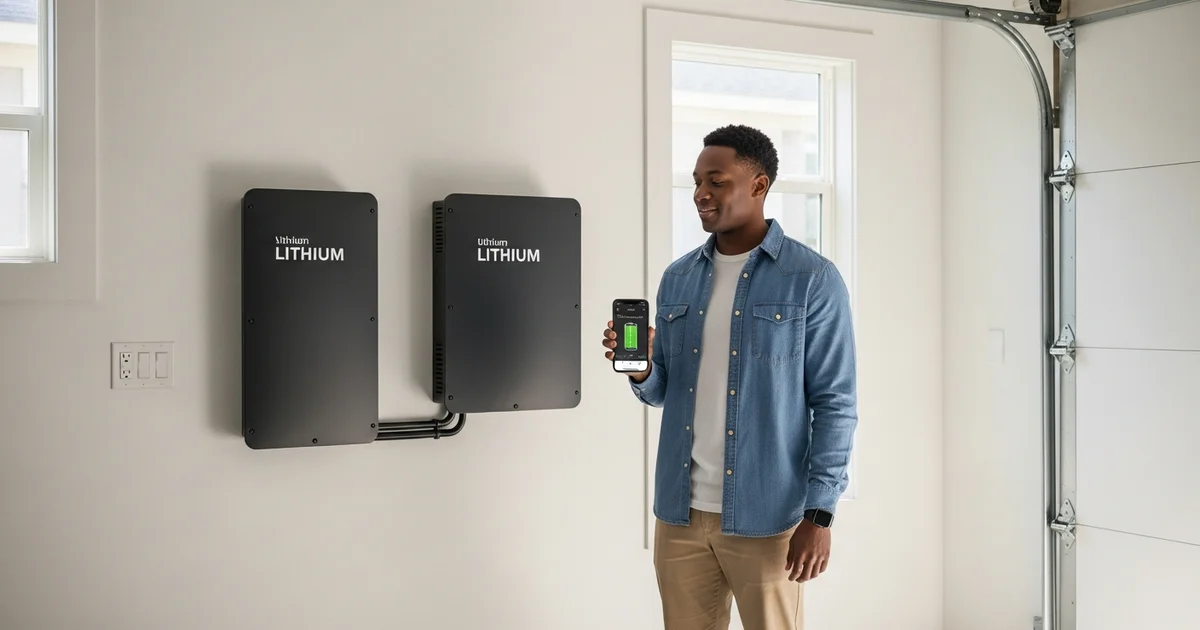
Most home battery failures do not arrive as a dead unit on storm day. They show up months earlier as slow drift you can catch in 10 minutes. After years on Eos service trucks across Harris and Fort Bend counties, the pattern I see most is the same: an owner installs a battery, sets it, and never looks again until the grid drops and a fault that was visible for months finally bites. A short monthly routine is the cheapest insurance you own. This guide gives you the exact steps, plus a printable checklist you can run before June 1.
Key Takeaways
- A monthly home battery self-test takes about 10 minutes: check app state of health and the alert log, verify state of charge, run a short simulated outage, and do a terminal and vent visual.
- Houston averages roughly 95 days a year above 95F, and sustained heat drives 3 to 5% extra annual capacity loss (Battery University, 2024).
- Catching drift early protects both warranty and storm readiness, and most early lithium-ion faults are gradual and trackable, not sudden.
[INTERNAL-LINK: check if your home qualifies for a 9 to 45 kWh system → /home-backup-planner?source=blog&slug=home-battery-self-test-and-monthly-checklist]
Why run a monthly self-test at all?
A 10-minute monthly check catches most early issues because lithium-ion faults appear as month-over-month drift, not sudden death. In 2025, the National Weather Service logged roughly 95 days above 95F in Houston (NWS Houston, 2025), and that heat is what makes regular checking worth your time. A fault you find in your driveway on a calm Tuesday costs a service call. The same fault found when a hurricane knocks out the grid costs you the whole reason you bought the battery.
Heat is the driver. Battery University's calendar-aging studies show roughly 3 to 5% extra annual capacity loss for cells sustained above 95F versus mild conditions (Battery University, 2024). Attached-garage interiors on the Gulf Coast can hit 110 to 130F on an August afternoon (DOE Building America, 2023). That compounding stress is exactly the kind of thing a monthly reading trend will reveal before it becomes a failure.
This post is the hands-on monthly companion to our broader care guide. For the full-cadence picture, including quarterly and annual professional service, see the link below. Here, we stay tight on the routine you run yourself.
[INTERNAL-LINK: the full annual maintenance checklist → /blog/home-battery-backup-maintenance-houston]
The 10-minute monthly app check
Open the manufacturer app and read five fields: state of health, state of charge, cycle count, firmware version, and the 30-day alert log. These five numbers tell you almost everything about whether your system is aging normally. Residential batteries typically run 200 to 350 charge cycles a year, so a quick monthly glance is enough to spot a trend without obsessing over daily noise.
Here is what each field means and when it should worry you.
- State of health (SoH). Your remaining usable capacity versus new. Expect a slow, smooth decline. A sudden drop month over month is a warning, not normal drift.
- State of charge (SoC). Where the battery sits right now. Useful as a pre-storm readiness check, covered below.
- Cycle count. Confirms the system is working. A flat count when you expect daily cycling can mean a config or grid issue.
- Firmware version. Out-of-date firmware is the single most common fix I apply on a truck roll. Update when prompted.
- 30-day alert log. Any code that did not auto-clear is your most important read of the month.
Make a habit of screenshotting these five fields and dating the screenshot. That dated record is your warranty evidence if you ever need to prove the system was maintained.
The reading habit matters more than any single number. One screenshot is data. Twelve dated screenshots are a trend, and a trend is what tells you whether your battery is aging on schedule or sliding toward a fault.
How do I run a simulated outage test safely?
Trip the main breaker or use your app's built-in test mode to drop grid power for a controlled 5 to 15 minutes, then confirm the battery carries your backup loads. This is the one test that proves the whole system works end to end. Reading good numbers in an app is reassuring, but a real transfer is the only thing that confirms your gateway, inverter, and battery hand off power the way they will when the grid actually fails.
Run it the safe way. Use your manufacturer's documented test mode where one exists, or trip the main per the install manual. Never open the battery cabinet to run a test. A healthy transfer is fast and undramatic: lights blink off and back on within a fraction of a second to a couple of seconds, the gateway display shows it has taken over, and the house keeps running. That brief flicker is the moment most owners panic. On most systems it is completely normal and simply marks the handoff.
Our finding: the single tweak that separates a useful test from a useless one is load. Most owners test on a bright, calm day with almost nothing running. The test that matters is at high load, with the AC on, because that mirrors a real Houston August outage. Run your simulated outage with the air conditioner running so you see how the system behaves under the load it will actually face.
On Tesla, Enphase, and Sigenergy systems I have walked owners through, the first 10 seconds look the same: a flicker, then a steady display confirming island mode. Watch how long your backed-up loads hold and whether the AC restarts cleanly. If the system trips offline under load, or the transfer stretches well past a couple of seconds, log it and book service. End the test by restoring grid power and confirming the system returns to normal charging.
[INTERNAL-LINK: get a Houston battery backup quote in under 2 minutes → /home-backup-planner?source=blog&slug=home-battery-self-test-and-monthly-checklist]
What do the readings and error codes mean?
Think in three colors. Green means normal and logged, yellow means watch and recheck next month, and red means stop and call. Manufacturers publish code families that map to this logic: Tesla uses W-series warnings, and Enphase uses 520-series event codes, among others. You do not need to memorize them. You need to know which ones clear on their own and which ones do not.
A code that appears once and auto-clears is usually a transient grid event. A code that persists or returns every month is a real signal. Cross-check your state-of-charge reading against your reserve setting too: if the battery will not climb to your target reserve, that gap is an early tell that something on the charge path needs attention.
Temperature shapes the readings you should expect. The Tesla Powerwall 3 operates from -4F to 122F and derates output above 104F (Tesla Powerwall 3 Data Sheet, 2025). So a hot-afternoon power dip is not always a fault. It can be the system protecting itself. Capacity loss itself is slow: NREL models roughly 0.05% loss per cycle at 25C (NREL, 2024), which is why a sudden change stands out so clearly against that gentle baseline.
The Atlantic hurricane season runs June 1 to November 30 (NOAA CPC, 2025). Raise your reserve floor for those months so a sudden outage never finds your battery half-empty.
The 2-minute monthly visual check
With the system powered down per your manual, look at four things: terminals, vents, clearance, and cabinet seals. This fast glance catches the environmental problems an app cannot see. Roughly 28% of residential battery service calls trace to environmental causes like heat, dust, moisture, and pests (NREL, 2024), and almost all of those are visible to the naked eye long before they trip a fault.

On the Gulf Coast, the usual suspects are specific. Look for white or green corrosion powder at the lugs, dust and spider webs loading the vents, clearance creep where garage shelving or boxes have crept toward the unit, water streaks at the seams from a humid garage, and any pest signs near the cabinet. Note anything you see, photograph it, and date it. This is a glance, not a teardown. The deeper quarterly inspection lives in the annual maintenance guide.
[INTERNAL-LINK: compare battery backup plans → /plans]
When should I stop and call for service?
Some findings mean log and watch, and some mean stop and call today. The deciding factor is whether the issue is a one-time event or a persistent, unclearing condition. Use this short list to draw the line so you are never guessing during a storm.
Call for service now if you see any of these:
- A thermal alarm or any code referencing over-temperature that does not auto-clear.
- An insulation-resistance or ground fault.
- A stop-charge or stop-discharge code that persists across a power cycle.
- A failed simulated outage, meaning the system did not carry your loads or tripped offline under AC load.
- Visible corrosion, water intrusion, or a swollen or deformed cabinet.
Log and watch if you see a single transient code that auto-cleared, a small expected month-over-month SoH decline, or a brief hot-afternoon output derate. When in doubt, a Houston home assessment removes the guesswork.
[INTERNAL-LINK: book a free Houston home assessment → /home-backup-planner?source=blog&slug=home-battery-self-test-and-monthly-checklist]
Prefer to talk it through? Call Eos at the number on your installer paperwork and we will read your logs with you.
Your printable monthly self-test checklist
Run this once a month, and run it hard by June 1 before storm season. Save or print it.
Monthly Home Battery Self-Test (about 10 minutes)
App check (read and screenshot, then date it):
- State of health: smooth decline, no sudden drop
- State of charge: reaches your reserve target
- Cycle count: rising as expected
- Firmware: current, update if prompted
- 30-day alert log: clear, note any code
Simulated outage (5 to 15 minutes, AC running):
- Use app test mode or trip the main per manual
- Confirm fast, clean transfer to backup
- Watch loads hold under AC load
- Restore grid power, confirm normal charging
Visual check (system powered down per manual):
- Terminals: no corrosion powder
- Vents: clear of dust and webs
- Clearance: nothing crowding the unit
- Seals: no water streaks or pests
Storm prep (June 1):
- Raise reserve floor for hurricane season
- Run a full simulated outage with AC on
Frequently Asked Questions
How do I simulate a power outage to test my home battery?
Use your app's test mode where available, or trip the main breaker per your install manual, to drop grid power for 5 to 15 minutes. Confirm the battery carries your loads. Never open the cabinet. Run the test with your AC on for a Houston-realistic load.
Will running a self-test void my warranty?
No. Owner-level checks like app readings and a simulated outage are expected and protect your warranty by catching drift early. What voids coverage is opening the battery cabinet or altering wiring. Tesla and other makers warranty most systems for 10 years when operating conditions are maintained.
How often should I test my home battery?
Run the 10-minute app check and a short simulated outage once a month, and do a hard full test by June 1 before hurricane season. Houston sees roughly 95 days above 95F a year (NWS Houston, 2025), so monthly trending matters more here than in milder climates.
What error code means I should call a technician immediately?
Any thermal or over-temperature alarm, an insulation-resistance or ground fault, or a stop-charge or stop-discharge code that does not clear after a power cycle. These do not auto-resolve and signal a real fault. A transient code that auto-clears once is usually just a grid event you can log and watch.
Can I test the battery with everything in the house running?
Yes, and you should. Testing with the AC on gives you a Houston-realistic load and shows how the system behaves under the demand it will face in a real August outage. A test on a calm, low-load day can hide problems that only appear when the air conditioner restarts on battery power.
The monthly habit that makes June 1 a non-event
Ten minutes a month is the whole job. Read your five app fields, run one short simulated outage with the AC on, do a two-minute visual, verify your state of charge, and log and date everything. That dated trend is what turns a hidden fault into an obvious one, and it is what lets you treat the start of hurricane season as a non-event instead of a scramble. The owners who never get caught off guard are not lucky. They just looked.
If you want a system sized and installed to make that monthly routine simple, start with a quick qualification check below.
[INTERNAL-LINK: get a fixed-price install quote for your address → /home-backup-planner?source=blog&slug=home-battery-self-test-and-monthly-checklist]
For the broader context, see our complete home battery backup guide for Houston, learn to set up remote monitoring on your phone, or review the full annual maintenance checklist.