How to Size a Home Battery From Your Smart Meter Texas Data

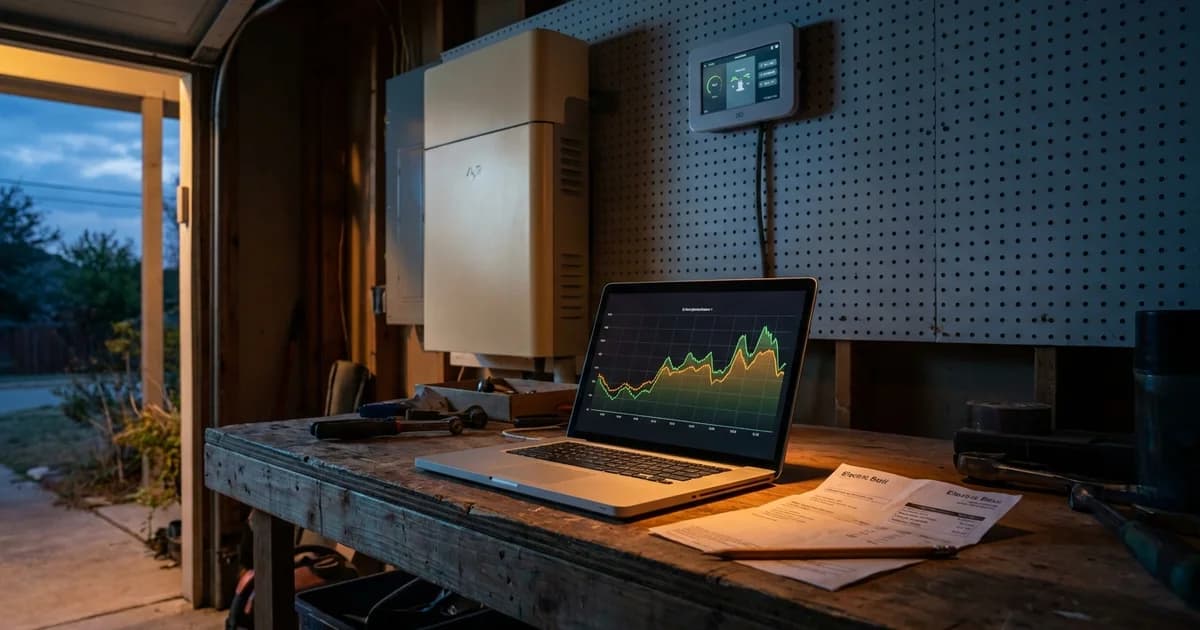
Most sizing guides start with a guess: how many appliances you own, how many hours you want to cover. If you live in Texas, you can skip the guess. Your meter has been recording your actual usage, and you can download it for free.
This guide covers the data source, not the whole sizing method. For the full formula, start with our guide to sizing a home battery in Texas. Here we show how to get your Smart Meter Texas file and pull two numbers out of it.
Key Takeaways
- Smart Meter Texas stores usage in 15-minute intervals and lets you export it (Smart Meter Texas).
- Your peak 15-minute reading tells you the power (kW) you need.
- Your average day tells you the capacity (kWh) you need.
- The file shows your whole house, so you still choose which circuits to back up.
What is Smart Meter Texas, and what does it record?
Smart Meter Texas is a shared web portal that stores electric usage in 15-minute intervals for homes with advanced meters. It is jointly owned and operated by Texas utilities that deliver power, according to ERCOT advanced metering materials. It is not your retail electric provider's app.
The Public Utility Commission launched the site on March 24, 2010, so customers could track energy use in 15-minute increments. That history matters for us. Fifteen minutes is fine enough to see when your air conditioner kicks on and when your dryer runs.
CenterPoint, the utility that serves most of Houston, describes the same idea. Consumers can register to view usage down to 15-minute intervals and see what time of day, week and year they use the most electricity.
Who is covered? Homes with a smart meter from AEP Texas, CenterPoint Energy, Oncor, Texas-New Mexico Power, or Lubbock Power and Light, per ComparePower's usage guide. If your meter is read by a co-op or municipal utility outside that group, check with your utility. We have not verified every exception.
How do you register and download your 15-minute data?
Registration takes about ten minutes if you have a bill in hand. You need your ESI ID, your meter number and your retail electric provider's name, all printed on your bill, as Rhythm's walkthrough lays out. Both appear on most bills in the account or usage history area.
The steps, as the portal currently works:
- Go to smartmetertexas.com and choose the residential sign-up.
- Enter your name, email, ESI ID, meter number and provider.
- Set your username and password. ComparePower notes the system emails a temporary password to finish setup.
- Log in and confirm your service address.
- Pick the report type "Energy Data 15 Min Intervals," set your start and end dates, and click Submit Update.
- Click Export My Report to download a spreadsheet.
The portal's layout changes from time to time, so treat the button names as a guide. If something looks different, the help pages on the site are the authority.
The exported file includes your ESI ID, dates, and consumption readings. If you have solar, it also carries surplus generation. ComparePower says the portal can also export to CSV or XML, which is easier to sort than a formatted sheet.
Grab at least a full year if the portal offers it. Houston's summer is the stress test, but a winter freeze matters too. One summer month alone can mislead you.
Why do you need two numbers instead of one?
A battery has two limits, and your data answers both. The kilowatt (kW) is power, the rate you use energy right now. The kilowatthour (kWh) is energy, defined by the U.S. Energy Information Administration as one kilowatt of power used for one hour.
Think of a water tank. The kWh figure is how much water the tank holds. The kW figure is how wide the faucet is. A big tank with a thin faucet can't run your air conditioner. A wide faucet on a small tank runs out by midnight.
We cover that split in depth in kW vs kWh: what your spec sheet means. Your interval file gives you real values for both, so you don't have to estimate.
For capacity (kWh): add up the readings for each day and look at the typical day. Those daily totals are your capacity baseline.
For power (kW): find your highest 15-minute reading. Each reading is energy used in a quarter hour, so multiply by four to get the average kW over that quarter hour.
Here is a benchmark for context. In 2022, the average U.S. residential customer used 10,791 kWh a year, about 899 kWh per month, per EIA. The same page ranks Louisiana highest at 14,774 kWh a year. Texas homes run high too, but your file beats any average.
How do you read the file? A worked example
Here is an illustrative household, not a real customer. Your numbers will differ, so use this only to see the arithmetic.
Say a Houston house has these readings in August:
- Typical day: 38 kWh.
- Busiest day: 52 kWh, when everyone was home and the AC never cycled off.
- Highest single 15-minute reading: 2.2 kWh, which is 2.2 x 4 = 8.8 kW averaged over that quarter hour.
- Overnight low: about 0.3 kWh per interval, or 1.2 kW.
Now apply it. The 8.8 kW peak tells you the power side. A system that delivers 11.5 kW continuously would cover that whole-house peak. Eos systems are rated at 11.5 kW continuous and 17.1 kW surge, which matters because the next point is easy to miss.
Fifteen-minute readings are averages. They smooth over the brief spike when a compressor starts. Your real instant demand can be higher than the file shows. This is why a surge rating counts, and why we size power with headroom rather than to the exact peak.
Now the capacity side. If this household wanted to run everything, 38 kWh a day is more than one battery holds. Nobody has to run everything. Most people back up a subset: refrigerator, lights, internet, medical devices, and maybe one AC zone.
[ORIGINAL DATA] In this example, the overnight floor of 1.2 kW is useful. A night with the AC cycling lightly is where a battery spends most of its hours, so that number sets your realistic stretch of coverage after dark.
The rule of thumb is simple. Find the average kW of your chosen circuits, divide your usable battery kWh by it, and you get hours. Our appliance wattage chart lists typical draws for the circuits you'd pick.
What does the data not tell you?
The file shows what your house used, not what you want backed up. It cannot know that your garage freezer matters and your pool pump doesn't. That judgment is yours, and an installer can help with it.
It also reflects your habits in a normal grid week. During an outage, people usually behave differently. They close blinds, skip the dryer and set the thermostat higher. Your outage load is probably lower than your everyday load. Our post on how often Houston homes actually use their battery covers that pattern.
Two more caveats. First, if you have solar, the file may show net figures, and EIA warns that utility sales may not represent total consumption for homes with on-site generation. Second, if you changed your habits recently, such as adding an EV charger or a second AC unit, an old file undercounts you. Add the new load by hand.
We aren't making any claim about meter accuracy here. We simply use the numbers the portal gives you.
If you're on a time-of-use plan, the same file shows when you pull from the grid. That feeds a separate question, covered in our post on battery backup and time-of-use plans in Texas.
How do you turn the two numbers into a battery size?
Work through it in this order:
- Pick your circuits. List what must stay on during a long outage.
- Estimate their kW. Use your overnight and daytime readings as a reality check.
- Choose your hours. Decide how long you want coverage.
- Multiply. kW times hours gives the kWh you need.
- Check the peak. Make sure the controller's continuous and surge ratings clear your highest demand.
For example, 2 kW of chosen circuits for 12 hours needs about 24 kWh of usable storage. If that exceeds one unit, you stack capacity. Eos plans scale from a single battery to larger stacks on the same controller, and you can compare them on the plans page.
Keep usable capacity in mind. A battery's nameplate figure and its usable figure can differ, so size against usable kWh. Plus, for instance, lists 17.52 kWh usable.
Can the planner use your data?
Yes, in part. The Home Backup Planner asks about your home and your monthly bill, and it has an optional step to upload a utility bill (a photo or PDF). You don't need your Smart Meter Texas file to start, though you can keep it handy when you talk with an installer.
That is the practical path. Download the file, note your peak kW and typical daily kWh, then run the planner. You'll get a size recommendation without doing the arithmetic yourself.
Or call Eos at 833-989-3737 to talk through your setup with an installer.
Frequently Asked Questions
How long does Smart Meter Texas keep my data?
We could not confirm a single current retention period from a public primary page, so we won't quote one. Utility pages have described views such as 24 hours, 30 days and 13 months. Check the portal's help pages, and export your file now rather than later.
Is there a fee to use Smart Meter Texas?
ComparePower describes it as a free platform for detailed consumption tracking. Registration needs only the account details printed on your bill. Confirm on the portal before you start, since terms can change.
What if I can't register?
The usual cause is a mismatch between the ESI ID, meter number or provider name and your bill. Retype them exactly as printed. If that fails, your retail electric provider or utility can confirm which meter you have.
Does one 15-minute number tell me how big a battery to buy?
No. One reading gives you a power clue. You also need typical daily kWh, your chosen circuits and your target hours. The two-number method above combines them, and the planner does the math for you.
Does my 15-minute data capture AC startup surge?
Not fully. Each reading averages a quarter hour, so a short compressor spike gets smoothed out. Allow headroom between your highest reading and your system's surge rating.