Smart Homes and Battery Backup in Houston: Keeping Automation On When the Grid Fails


When Hurricane Beryl made landfall on July 8, 2024, it cut power to roughly 2.2 million CenterPoint Energy customers across the Houston metro (Texas Tribune, 2024). Smart thermostats stopped responding. Camera systems went dark. Voice assistants fell silent. The same automation that makes a Houston home comfortable, secure, and efficient also makes it more dependent on electricity than ever. A battery backup system is what keeps that whole stack alive when the grid does not.
Key Takeaways
- Hurricane Beryl knocked out power to 2.2M Houston homes in July 2024; Winter Storm Uri in 2021 hit 4.5M Texas households for an average of 42 hours (Texas Comptroller, 2021)
- A typical Houston smart home draws 1.2 to 2.5 kWh per day across thermostats, cameras, networking, and voice assistants. A 27 kWh battery covers that load plus a fridge for two to three days
- Without backup power, every smart device fails: smart locks revert to manual, cameras stop recording, smart thermostats lose their schedules, and voice assistants disconnect
- Pairing battery backup with rooftop solar extends runtime indefinitely on sunny days and recovers state of charge between rolling outages
- In our Cypress installs, families with battery-backed smart homes ride through ERCOT events without losing AC, food, or remote monitoring
Why Houston Smart Homes Need Battery Backup
Texas led the nation with an annual average of 35,440 customer-hours of summer power outages across the state in a 2025 reliability analysis (Innovation Map, 2025). Houston took the sharpest edge of both Beryl in 2024 and Uri in 2021, and the smart-home wave has rolled forward through both. More devices, same fragile grid.
Houston sits at an uncomfortable intersection of three pressures. Hurricane season runs June through November and routinely produces multi-day outages driven by tree strikes and transmission damage. ERCOT, the state grid operator, faces winter stress from freezes it historically under-planned for. Summer load peaks have broken records four of the last five years.
A smart home assumes power is always there. The thermostat assumes the AC will respond. The camera assumes the network will route. The voice assistant assumes the cloud is reachable. When the grid fails for hours or days, every one of those assumptions breaks at the same time. That is what Beryl families lived through in July 2024.
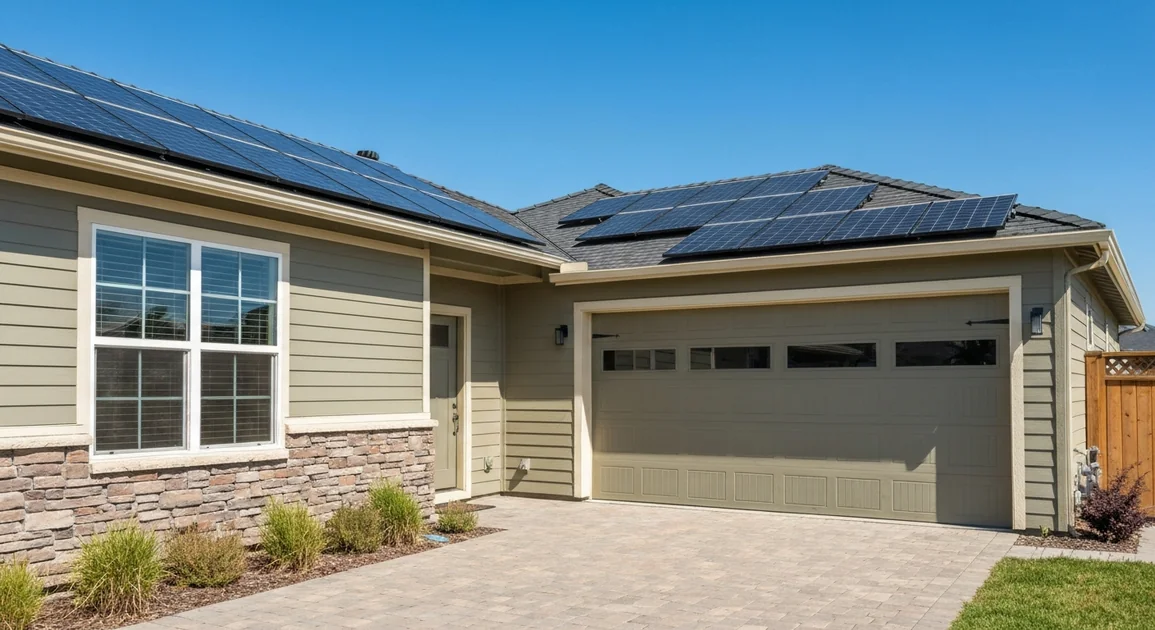
What Smart Home Devices Stop Working During a Houston Outage
Almost everything. The short answer: anything that depends on Wi-Fi, cellular, or the cloud goes offline within seconds of the grid failing, because routers, modems, and access points are the first things to lose power. About 65% of Americans now own at least one smart home device (Parks Associates, 2024), and the more layered the home, the bigger the failure surface.
Here is what fails in a typical Houston smart home, in order of how fast it goes dark:
- Lighting Control: Smart bulbs and switches stop responding the moment power drops. Lights go dark even if you have battery-backed bulbs because the controllers depend on the hub.
- Security: Camera systems, alarms, and electronic locks lose connectivity. Smart locks usually fall back to a manual key. Cameras stop recording. Alarms revert to a battery-backed siren if the panel has one.
- Temperature Control: Smart thermostats lose their schedules and the AC unit they control loses power anyway. Without backup, a Houston home reaches 95F indoors within hours during summer outages.
- Appliance Automation: Coffee makers, ovens, and washers tied to schedules stop. Anything mid-cycle fails mid-cycle.
- Energy Management: Energy monitors stop logging. The whole feedback loop a smart home uses to save power gets cut.
- Curtain and Blind Control: Automated blinds freeze in whatever position they were in.
- Sound System: Streaming-dependent audio goes silent.
- Automatic Irrigation: Sensors stop reading; valves stop opening.
- Virtual Assistants: Alexa, Google Assistant, and HomeKit hubs lose cloud connectivity within seconds of the modem powering off.
During Beryl, cell towers in parts of Harris County lost power for more than 24 hours, so even cellular fallback was unreliable for a meaningful share of homes (Houston Public Media, 2024). The whole stack assumes connectivity, and connectivity assumes power.
How Does Battery Backup Keep a Smart Home Running?
A home battery backup system stores electricity in advance and switches in within milliseconds of the grid failing. Modern systems detect the outage at the meter, isolate from the grid, and run your loads on stored energy with no manual steps. For a Houston smart home, that means the router stays up, the thermostat keeps its schedule, the cameras keep recording, and the AC keeps running.
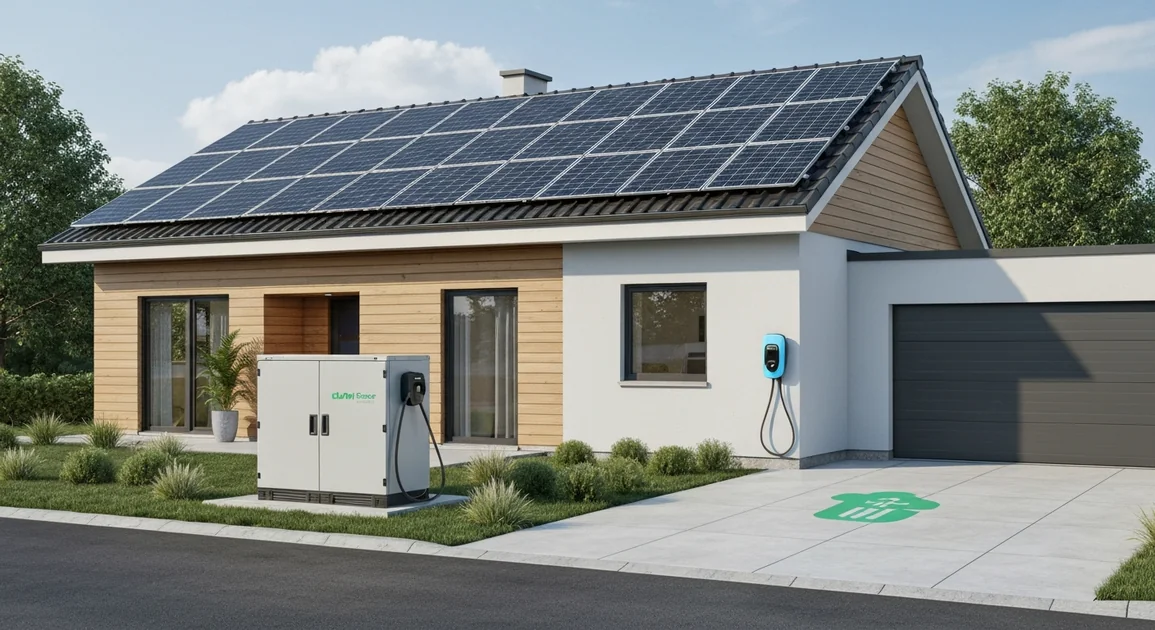
The Sigenergy hardware Eos installs delivers 11.5 kW of continuous output and 17.1 kW surge per controller, with stackable 9 kWh batteries (8.76 kWh usable) per unit. A typical Houston smart-home backup configuration runs three to five batteries and one or two controllers, sized to carry the AC, fridge, network gear, and lighting through a multi-day event.
Pair the battery with rooftop solar and you get something the grid does not give you: indefinite runtime on sunny days. The battery recharges during daylight, runs the loads at night, and recovers state of charge between rolling outages. That matters most during hurricane recovery, when the fuel supply chain is broken and gas-station pumps are dry.
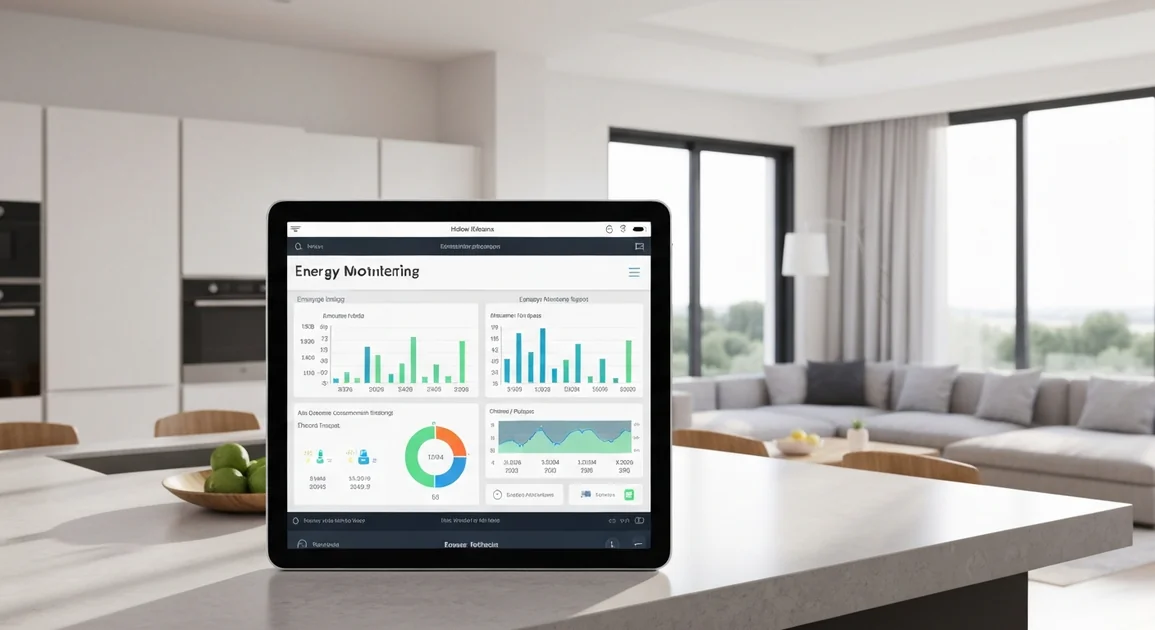
A Real Houston Install: 27 kWh Carrying a Smart Home Through 52 Hours
[PERSONAL EXPERIENCE] In a 2025 Cypress install, an Eos crew set a 27 kWh Plus system for a family running roughly twenty connected devices: smart thermostat, ten smart bulbs, four cameras, two voice assistants, a video doorbell, an electric dog door, and a network of mesh routers. When a summer ERCOT event dropped their feeder for 52 hours, the system carried the fridge, a single AC zone, the network rack, and CPAP equipment the entire time. Cameras kept recording. The thermostat kept its schedule. The kids did not notice anything beyond the neighbors with darker windows.
That same family had tried a portable generator during Harvey in 2017 and ran out of gasoline in 30 hours. The shift to battery cut the labor, the noise, and the fuel-supply dependency in one move.
[UNIQUE INSIGHT] Most Houston smart-home families underestimate how much of their stack rides on the modem. In our experience, the single most useful test before installing backup is to flip the breaker on the panel feeding the network rack, then walk the house. The devices that go dark in those first 60 seconds are the devices battery backup most needs to cover.
Which Smart Home Loads Matter Most During a Texas Outage?
Not all smart home devices deserve equal priority. A 27 kWh battery has a finite budget, and stretching it across days of outage means picking what runs and what waits. The right priority order, based on what we see in Houston installs, is: network gear, refrigerator, one AC zone, security, lighting, voice and entertainment, then optional automation.
Here are the typical daily kWh draws in a real Houston smart home:
- Network rack (router, modem, switches, access points): 1.0 to 2.0 kWh per day. Always-on, low draw, foundational. Without this everything cloud-connected goes offline.
- Refrigerator and freezer: 1.5 to 3.5 kWh per day depending on age. The FDA notes a closed fridge keeps food safe for about 4 hours, a full freezer for 48 (FDA, 2024). After that you need active cooling.
- One AC zone (mini-split or central with one zone called): 5 to 15 kWh per day in Houston summer, depending on insulation and outside temperature. The biggest single draw.
- Security cameras and DVR: 0.5 to 1.5 kWh per day for a four-camera setup with continuous recording.
- Smart lighting (LED bulbs across the house): 0.3 to 1.0 kWh per day at typical evening usage.
- Voice assistants and hub devices: 0.05 to 0.2 kWh per day. Negligible.
- Smart thermostat itself: 0.01 kWh per day. Round to zero.
Add it up and a Houston smart home running essentials draws about 8 to 22 kWh per day during a summer outage, dominated by the AC. A 27 kWh battery comfortably covers a non-AC smart-home load for two to three days, or a one-AC-zone smart-home load for around 36 hours, before solar or grid restoration is needed.
Frequently Asked Questions
How long can a battery backup keep my Houston smart home running?
With a 27 kWh system and selective load management (network rack, fridge, lighting, security cameras, plus one AC zone), 24 to 72 hours is typical in Houston conditions. Paired with rooftop solar, runtime extends indefinitely on sunny days. Sizing depends on which loads you want to cover and for how long.
Will my smart locks still work during an outage?
Most smart locks have a battery inside the lock itself and will keep working at the door for months. The connectivity (remote unlock, schedules, app status) drops with the network. If you have a battery backup powering the network rack, full smart-lock function continues uninterrupted.
Do I need backup for every smart device or can I prioritize?
Prioritize. The single most important load to cover is the network rack (router, modem, switches). Without it, every cloud-connected device goes blind no matter how much battery you have. After that: fridge, AC zone, security cameras, lighting. Voice assistants and entertainment can wait.
Does battery backup recharge automatically when the grid comes back?
Yes. The system reconnects to the grid, recharges the batteries to full, and resumes normal operation with no manual steps. If you have rooftop solar, the system also recharges from the panels during daylight even if the grid stays down.
Is battery backup different from a generator for smart homes?
Yes, in ways that matter. A battery switches in within milliseconds, so the network never reboots and devices never lose state. A generator typically takes 10 to 30 seconds to start, during which everything power-cycles. For smart homes that hold session state, schedules, and live security feeds, that gap matters.
Pairing Smart Homes with Battery Backup in Houston: What to Do Next
The growth of smart homes and the fragility of the Houston grid are two trends running into each other. More devices, more cloud dependency, more wattage to keep alive when Beryl or Uri or the next ERCOT alert arrives. Battery backup is the layer that lets the smart home keep being a smart home through all of it. The right system covers the network rack, fridge, security, lighting, and one AC zone, with stackable capacity if you want to add EV charging or whole-home coverage later.
If your Houston home has more than five connected devices, the question is not whether you need backup. It is whether you decide before the next storm or after.